

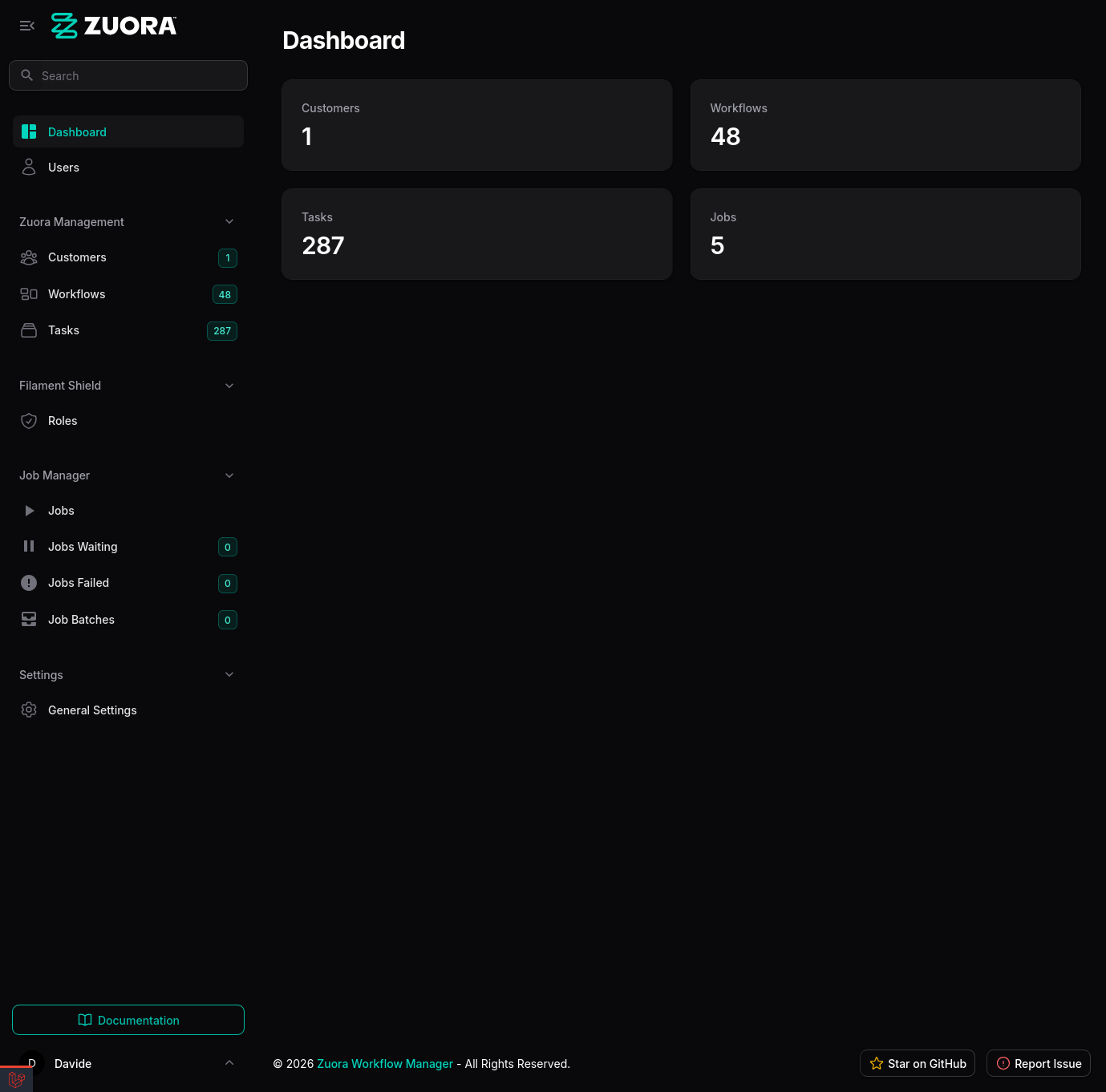
Why Zuora Workflow Manager?
Managing Zuora workflows can be complex, especially when working with:- Multiple customer organizations
- Manual data synchronization
- Limited workflow visualization
- Lack of automation
1. Automatic synchronization
- Scheduled sync every hour (configurable)
- Manual on-demand sync via UI
- Background processing with queues
- Automatic retry on errors
2. Multi-tenant
- Management of multiple customer organizations
- Separate Zuora credentials for each customer
- Complete data isolation
- Security with credential encryption
3. Advanced visualization
- Rich and responsive Filament dashboard
- Graphical workflow visualization
- Complete task details
- JSON workflow export
4. Task management
- Automatic task extraction from JSON
- Advanced filters by type, priority, and status
- Detailed visualization with slide-over
- Relationships between tasks and workflows
Architecture
The application is built following SOLID principles and uses:Service layer
- ZuoraService: OAuth 2.0 authentication and API call management
- WorkflowSyncService: Workflow synchronization orchestration
- OAuthService: Google OAuth integration for login
Models
- Customer: Organizations with Zuora credentials
- Workflow: Workflows synchronized from Zuora
- Task: Tasks extracted from workflows
- User: Application users with RBAC
Background jobs
- SyncCustomersJob: Job for customer workflow synchronization
- Retry logic with exponential backoff
- Progress tracking with Moox Jobs
Filament resources
- CustomerResource: Customer management
- WorkflowResource: Workflow visualization
- TaskResource: Task management
- UserResource: User management
- RoleResource: Role and permission management
Typical workflow
-
Initial setup
- Installation with Lando
- Environment configuration
- Admin account creation
-
Customer configuration
- Add customer in UI
- Enter Zuora credentials (Client ID, Secret, Base URL)
- Credential validation
-
Workflow synchronization
- Click “Sync Workflows” in UI
- Job queued for background processing
- Download workflows from Zuora API
- Save to local database
- Automatic task extraction
-
Visualization and management
- Navigate workflows in dashboard
- Advanced filters and search
- Graphical visualization
- JSON export
- Task details
-
Monitoring
- Moox Jobs dashboard for job status
- Application logs for troubleshooting
- System health check
Technologies used
Backend
- Laravel 12: Modern PHP framework
- PHP 8.4: Latest PHP version
- MariaDB 11.4: Relational database
- Redis 7.0: Cache and queues
Frontend
- Filament 4.2: Admin panel framework
- Tailwind CSS 4: Utility-first CSS
- Alpine.js: Lightweight JavaScript framework
- @joint/layout-directed-graph: Graph visualization
DevOps
- Lando: Containerized development environment
- Docker: Containerization
- GitHub Actions: CI/CD
- Vite 7: Modern build tool
Key packages
- Filament Shield: RBAC for Filament
- Spatie Laravel Settings: Settings management
- Moox Jobs: Job monitoring
- Filament Socialite: OAuth login